
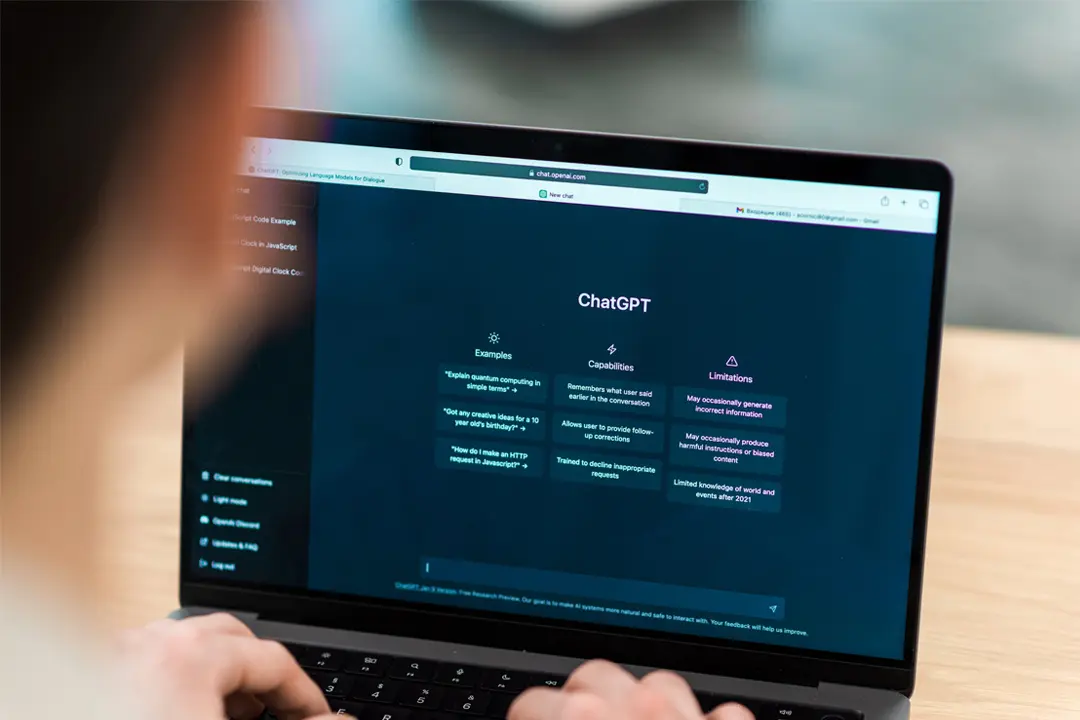
ChatGPT 101: How to Write Perfect Prompts (A Beginner’s Guide)
Emily Carter • 22 Jan 2026 • 186 views • 2 min read.ChatGPT has transformed how millions work and create. The difference between frustrating and amazing results often comes down to one thing: your prompt. Learning to write effective prompts unlocks the full potential of AI assistance. Most beginners type simple questions and get generic answers. They wonder why others achieve impressive results while they struggle. The secret isn't magic. It's understanding how to communicate with AI effectively. This guide teaches you prompt writing from the ground up. You'll learn techniques that professionals use daily. By the end, you'll write prompts that consistently deliver excellent results.
ChatGPT 101: How to Write Perfect Prompts (A Beginner's Guide)
Quick Summary:
- Great prompts produce great results
- Be specific, provide context, and set clear expectations
- Use roles, examples, and constraints to guide AI responses
- Iterate and refine prompts based on initial outputs
Why Prompts Matter So Much
ChatGPT doesn't read minds. It responds based entirely on what you provide. Vague inputs produce vague outputs. Specific inputs produce specific outputs.
Think of prompting like giving directions. Saying "go somewhere nice" gets you lost. Saying "drive to the Italian restaurant at 123 Main Street" gets you dinner. The same principle applies to AI interactions.
A well-crafted prompt can mean the difference between useless text and genuinely helpful content. Investing time in your prompt saves hours of revision later. Master this skill and you'll outperform 90% of ChatGPT users immediately.
The Anatomy of a Perfect Prompt
Every effective prompt contains several key elements. Understanding these components helps you construct better requests consistently.
Context tells ChatGPT the background information it needs. Who are you? What situation are you addressing? What has happened before? Context shapes how the AI approaches your request entirely.
Task defines exactly what you want ChatGPT to do. Write? Analyze? Summarize? Compare? Be explicit about the action you expect.
Format specifies how you want the response structured. Bullet points? Paragraphs? Table? Specific length? Format instructions prevent unwanted surprises.
Tone indicates the voice and style you prefer. Professional? Casual? Academic? Humorous? Matching tone to your audience matters enormously.
Constraints set boundaries on the response. What should ChatGPT avoid? What limitations exist? Constraints prevent irrelevant tangents effectively.
Five Essential Prompting Techniques
1. The Role Technique
Assign ChatGPT a specific role or persona. This frames all subsequent responses through that lens. Experts in a field respond differently than generalists.
Weak prompt: "Give me marketing advice."
Strong prompt: "You are a senior marketing director with 20 years of experience in consumer packaged goods. A startup founder asks you for advice on launching their first product. What are your top recommendations?"
The role technique produces more nuanced, expert-level responses. It draws on knowledge patterns associated with that expertise area.
2. The Example Technique
Show ChatGPT what you want through examples. Demonstrating your expected output guides the AI more effectively than abstract descriptions.
Weak prompt: "Write product descriptions for my store."
Strong prompt: "Write product descriptions for my online store. Here's an example of the style I want:
Product: Ceramic Coffee Mug Description: Start your morning right with this handcrafted ceramic mug. Holds 12 ounces of your favorite brew. Dishwasher safe and built to last. The perfect companion for quiet mornings and busy afternoons.
Now write similar descriptions for: Bamboo Cutting Board, Stainless Steel Water Bottle, Linen Napkin Set."
Examples eliminate guesswork. ChatGPT matches your demonstrated style closely.
3. The Step-by-Step Technique
Ask ChatGPT to think through problems systematically. This produces more thorough and accurate responses for complex questions.
Weak prompt: "Should I invest in this stock?"
Strong prompt: "Analyze whether a 30-year-old with moderate risk tolerance should invest in technology ETFs. Think through this step by step: First, consider the investor's time horizon. Second, evaluate technology sector trends. Third, assess risks and potential returns. Fourth, compare to alternative investments. Finally, provide a balanced recommendation with reasoning."
Breaking down complex requests improves response quality significantly.
4. The Constraint Technique
Set explicit boundaries and limitations. Constraints focus the response and prevent unwanted content.
Weak prompt: "Explain machine learning."
Strong prompt: "Explain machine learning to a high school student with no technical background. Use only everyday analogies. Avoid jargon completely. Keep your explanation under 200 words. Include one simple example they could relate to."
Constraints shape outputs precisely to your needs.
5. The Iteration Technique
Refine responses through follow-up prompts. Initial outputs rarely achieve perfection. Building on previous responses improves quality progressively.
Start broad, then narrow: "Write a blog post about productivity tips." Review the output. "Good start. Now make the introduction more engaging with a personal anecdote." Review again. "Expand the third tip with a specific example from a corporate setting."
Iteration transforms decent outputs into excellent ones.
Common Prompting Mistakes to Avoid
Being too vague tops the list of beginner errors. "Help me write something" gives ChatGPT nothing to work with. Specify the topic, purpose, audience, and format.
Asking multiple unrelated questions confuses the response. Each prompt should focus on one main request. Break complex needs into separate prompts.
Forgetting your audience produces mismatched content. An explanation for experts differs entirely from one for beginners. Always specify who will read the output.
Accepting first drafts leaves value on the table. ChatGPT rarely nails it perfectly initially. Ask for revisions, expansions, or alternative approaches.
Overcomplicating prompts can backfire too. Extremely long prompts sometimes confuse the AI. Find the balance between specificity and clarity.
Practical Prompt Templates You Can Use Today
For Writing Tasks: "Write a [type of content] about [topic] for [audience]. The tone should be [tone]. Include [specific elements]. Keep it approximately [length]. Avoid [things to exclude]."
For Analysis: "Analyze [subject] from the perspective of [role/expertise]. Consider [specific factors]. Present your analysis in [format]. Conclude with [type of recommendation/summary]."
For Learning: "Explain [concept] as if I'm [skill level]. Use [number] analogies from everyday life. Break it into [number] main points. End with [quiz questions/summary/next steps]."
For Problem-Solving: "I'm facing [problem] in [context]. My constraints are [limitations]. My goal is [desired outcome]. Suggest [number] possible solutions. Evaluate each option's pros and cons."
For Creative Work: "Create [type of content] about [topic]. The style should resemble [reference/example]. Include [specific elements]. The mood should feel [description]. Target length is [specification]."
Advanced Tips for Power Users
Chain your prompts for complex projects. Build documents section by section. This maintains quality throughout longer pieces.
Save your best prompts for reuse. Create a personal library of templates that work well. Modify them for specific situations as needed.
Test variations to find what works best. Small wording changes sometimes produce dramatically different results. Experiment with structure and phrasing.
Use ChatGPT to improve prompts themselves. Ask "How could I improve this prompt to get better results?" The AI often suggests useful refinements.
Specify what you don't want alongside what you do want. Exclusions can be as important as inclusions for getting precise outputs.
Putting It All Together
Start with your goal clearly in mind. Who needs this content? What should it accomplish? How should it look and feel?
Build your prompt using the elements covered. Add context, define the task, specify format, set tone, include constraints. Use techniques like roles and examples where helpful.
Review the output critically. Does it meet your needs? What's missing or wrong? Craft follow-up prompts to refine the result.
Practice regularly. Prompting is a skill that improves with use. Each interaction teaches you what works and what doesn't.
The gap between AI beginners and experts isn't intelligence or luck. It's prompt quality. The techniques in this guide put you firmly in the expert category. Now go write prompts that produce amazing results.